
English | 中文

Maple Bookmarks




Hide the bookmark bar, use Maple Bookmarks to surf smoothly.
Introduction
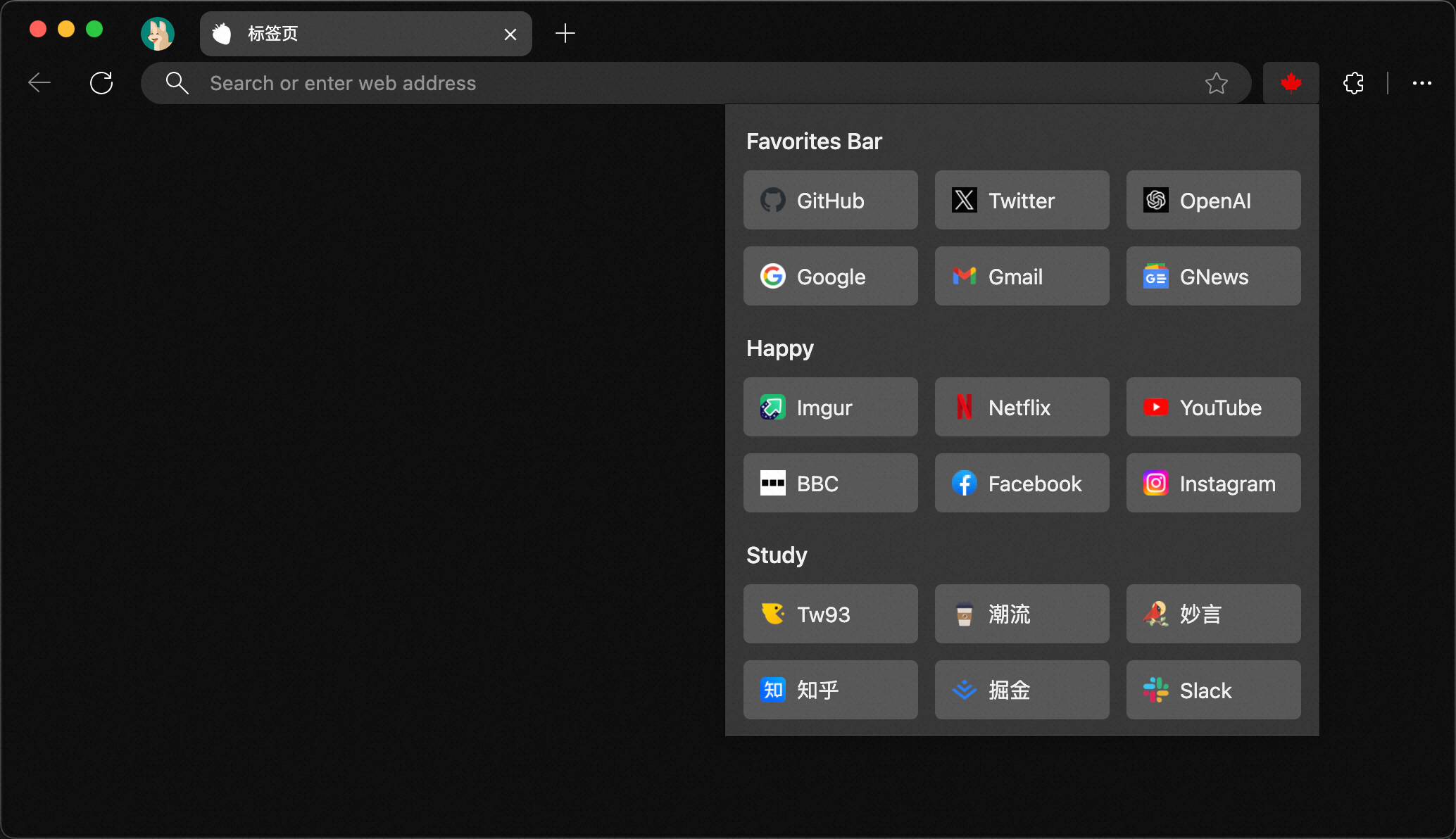
The bookmarks bar can occupy the browsing window and affect concentration, so I often hide it. However, this makes accessing bookmarks inconvenient. Therefore, I developed the Maple Bookmarks extension. By just using the shortcut, you can quickly access your bookmarks, even input can be searched instantly, which is practical and convenient.
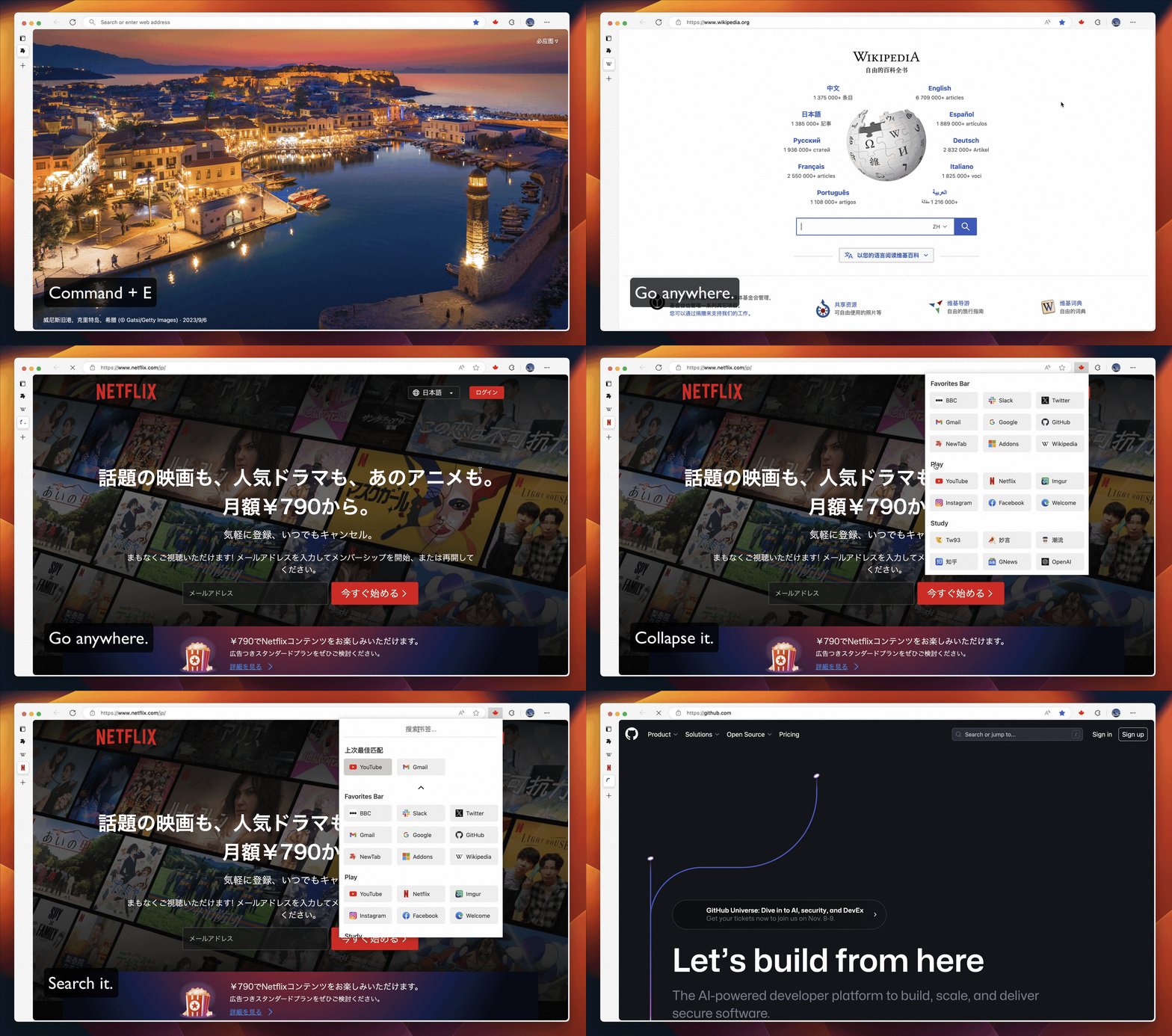
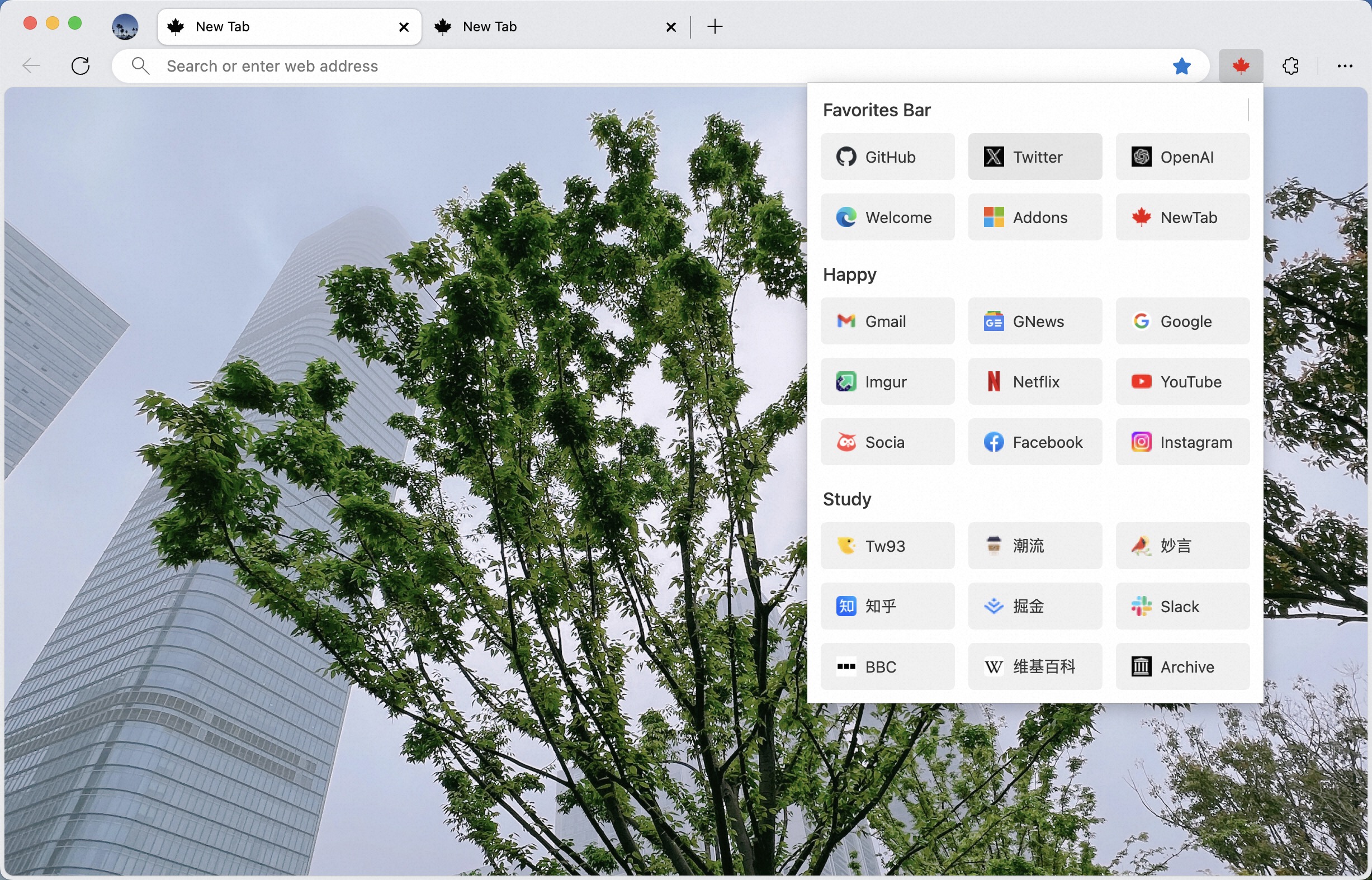
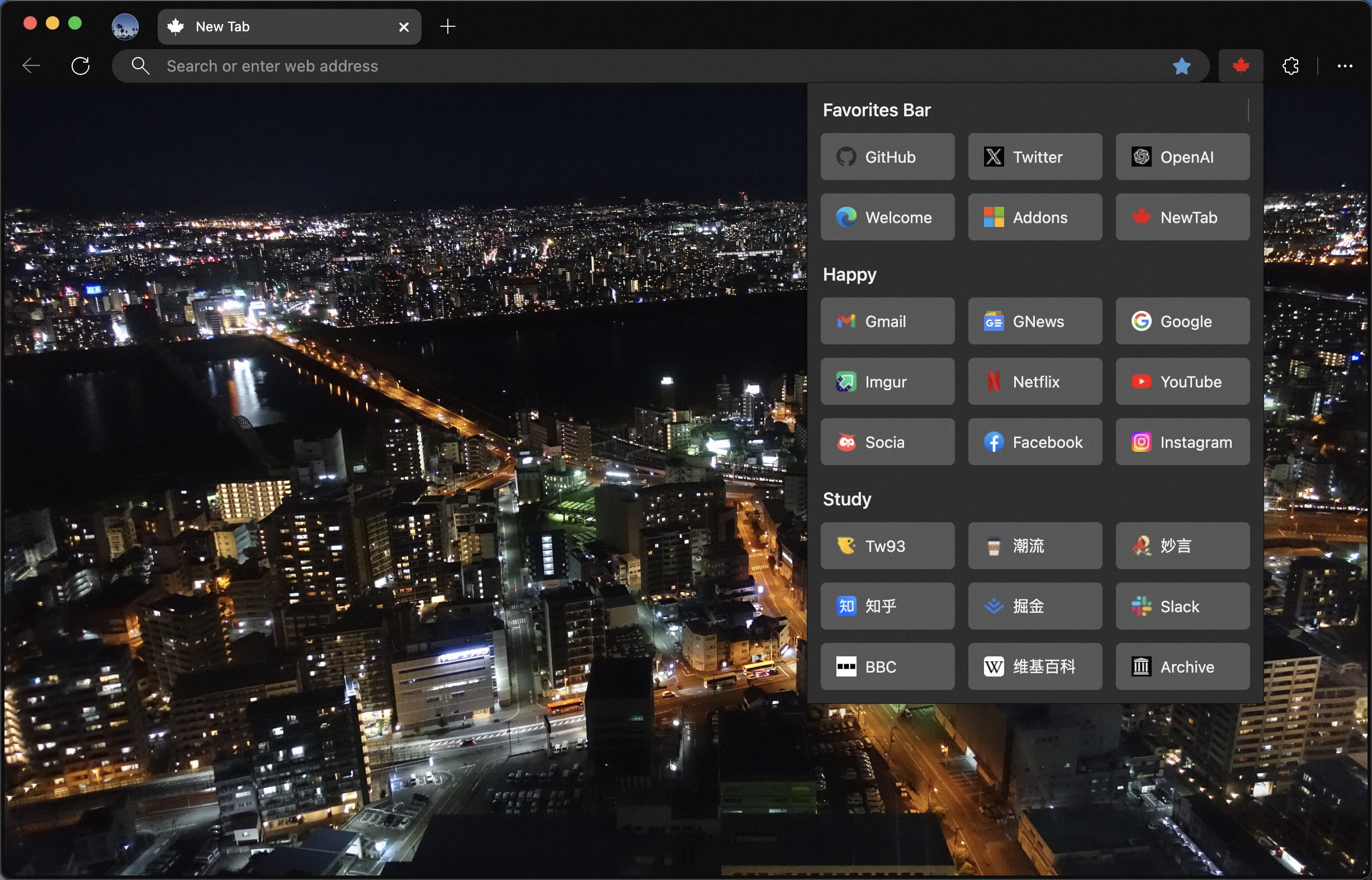
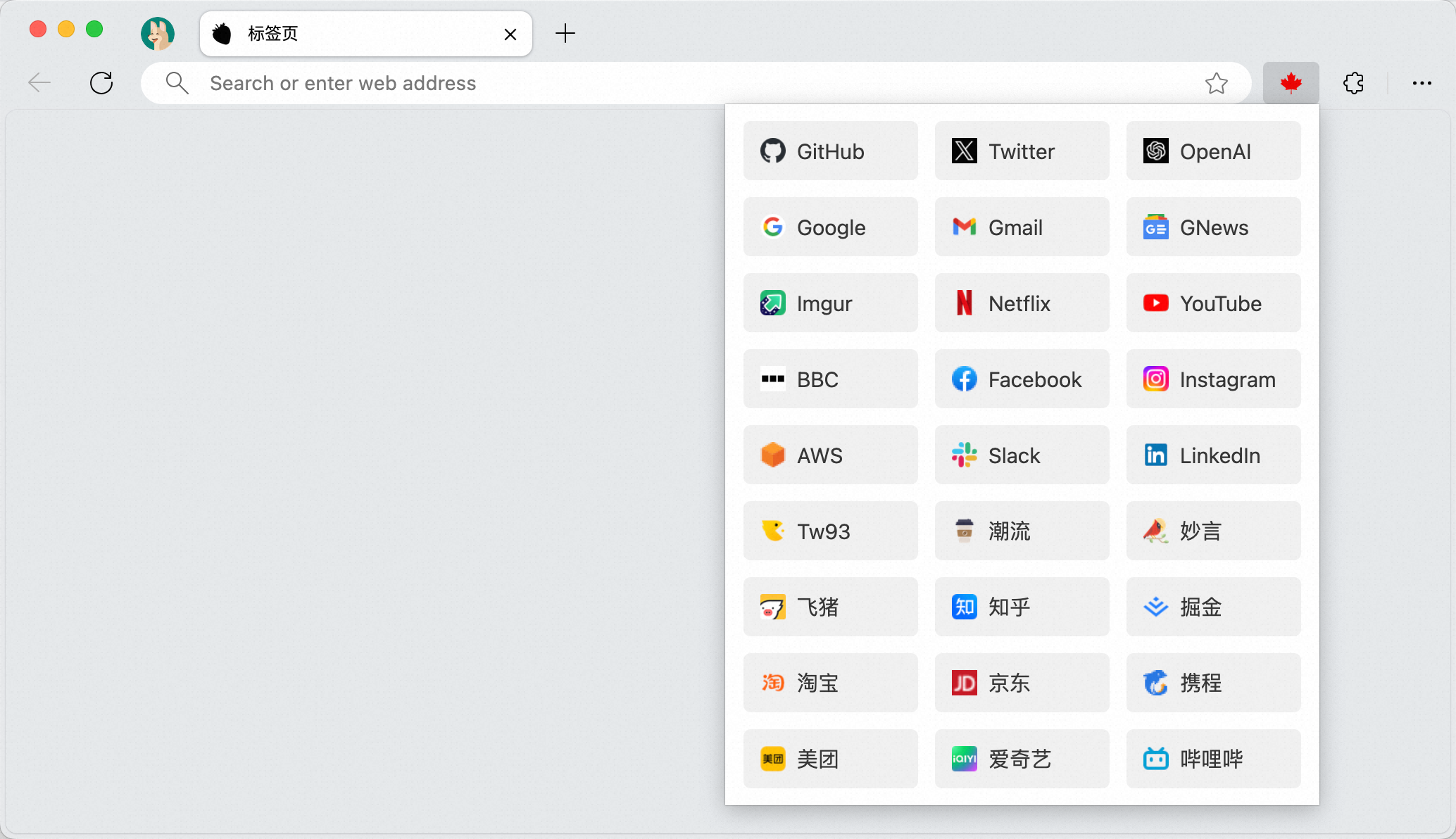
🏂 More effects can be expanded to view.
 |
 |
 |
 |
Download



More
- Due to Chrome's limitations, even if the bookmarks bar is hidden, it will still appear on the default tab page. At this time, you can use Maple NewTab to replace the default tab page, thus completely hiding the bookmarks bar.
Maple NewTabcurrently supports four types of displays:Renaissance art,Bing image,Trendy weekly picture,Blank pure page. Place the cursor on the background image, wait for 2 seconds, and a switch box will appear. Click to switch.- The
Renaissance artmode showcases European Renaissance period art styles, including classical architecture, sculptures, paintings, and museum artifacts. It focuses on historical and artistic themes while avoiding modern and portrait imagery. - If you prefer your current tab page, you can remove the
Maple NewTabextension. This way, you can revert to the default tab page.
White Theme
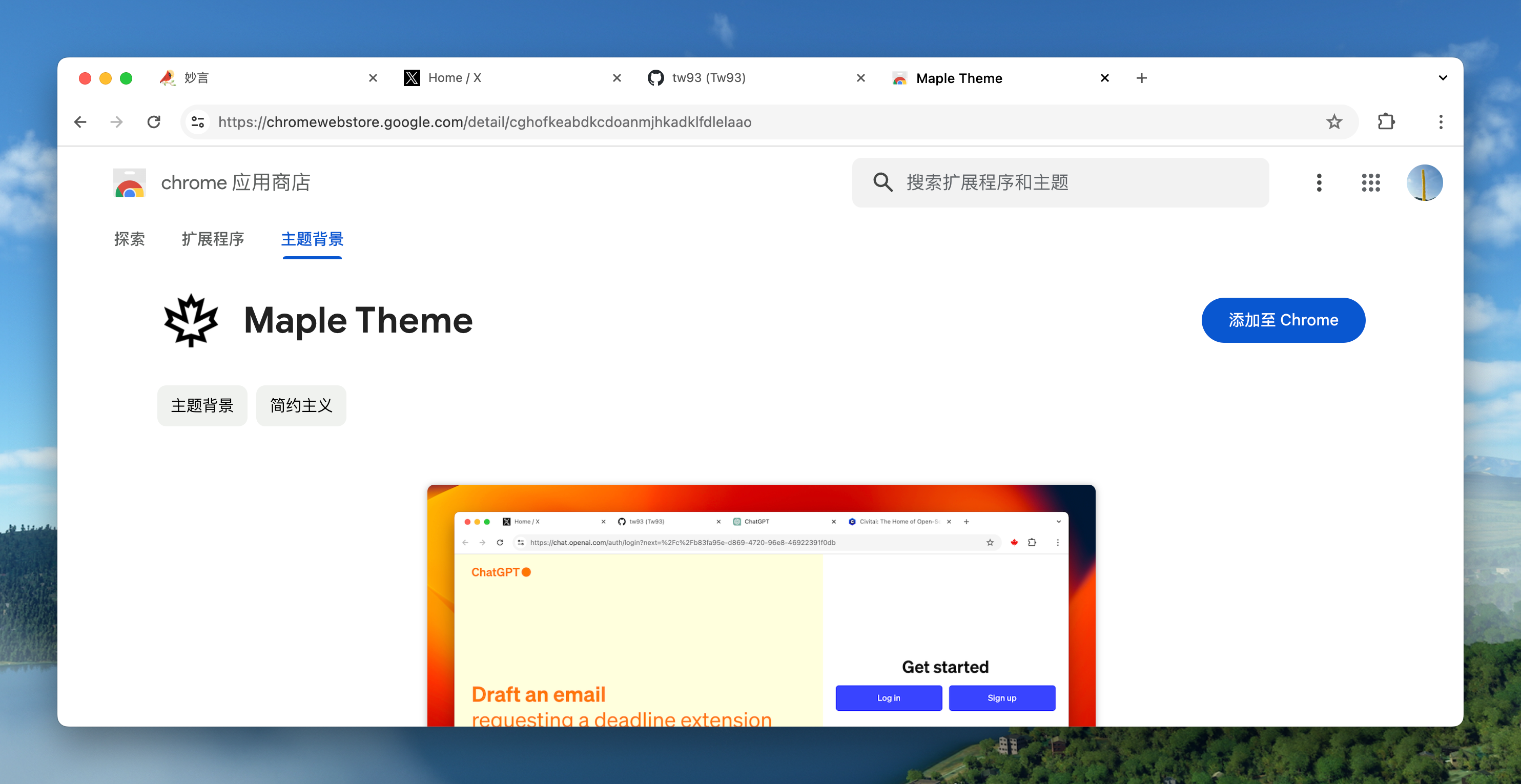
Since the default new theme of Chrome is not very appealing to me, I prefer a simple and clean effect, so I developed a Maple Theme on the side. It doesn't include any other messy colors, making your browser look very clean.
Practice
- First, organize your bookmarks. You can adjust the order of frequently used ones and delete those not often used to make it tidier.
- Use
Command+Shift+B(Mac)、Ctrl+Shift+B(Windows) or right-click on the bookmarks bar to hide it. - Click on the extension icon and pin
Maple Bookmarksto the toolbar. - Try using
Command + E(Mac)、Ctrl+B(Windows / Firefox) to quickly access your bookmarks. - Clicking on the folder name can collapse and expand it, making it more comfortable for users with many bookmarks to use.
- If you have an extensive collection of bookmarks, you can conveniently search through them using keywords. The search feature supports Chinese, English, and domain names. By default, the search function is not activated. To enable it, use the
Ctrl + Sshortcut or click the small arrow located at the top of the interface to switch to search mode. - Each search will prioritize and display the top three most relevant results. You can easily navigate between these top results using the
←and→keys on your keyboard. To swiftly access the highlighted bookmark, simply press the Enter key.
Support
- If Maple helped you, share it with friends or give it a star.
- Got ideas or bugs? Open an issue or PR, feel free to contribute your best AI model.
- I have two cats, TangYuan and Coke. If you think Maple delights your life, you can feed them canned food 🥩.


