



Firefox:


Chrome / Edge (via Chrome Webstore):


gopassbridge
A web extension for Firefox and Chrome to insert login credentials from gopass
Summary
Gopass is the awesome command line password manager.
This plugin enables input of login credentials from gopass.
To access gopass, a native app has to be configured in the browser in addition to installing this extension.
The native app is a wrapper that calls gopass-jsonapi to communicate via stdin/stdout.
Quick impression
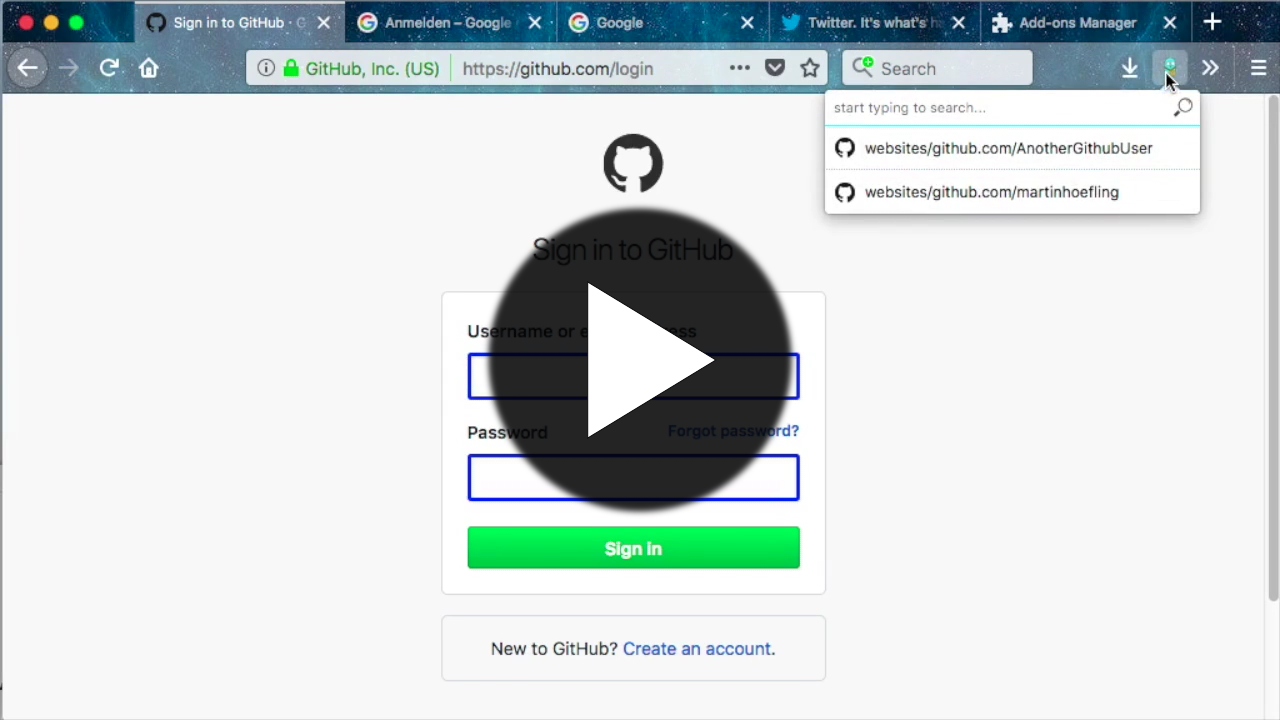
Setup
Install browser extension
Firefox Extension
https://addons.mozilla.org/en-US/firefox/addon/gopass-bridge/
Chrome / Chromium Extension
https://chrome.google.com/webstore/detail/gopass-bridge/kkhfnlkhiapbiehimabddjbimfaijdhk
Build and install browser extension from source
See Makefile release target. For Firefox, the development plugin can be installed only temporarily while for Chrome, the extracted extension can be installed permanently.
Connect to gopass
The connection to gopass is achieved via the native messaging API. For this a native messaging manifest must be configured for your browser.
Since gopass v1.12 gopass-jsonapi has moved to its own repo where the binary can be downloaded and unpacked from the
archive files on Github Releases.
It is recommended that you set up the manifests with gopass-jsonapi as described in the
gopass documentation, "filling passwords from browser".
In most cases it is enough to run gopass-jsonapi configure and follow the tutorial.
More details about Native Messaging can be found in the Chrome and MDN documentation.
Change default shortcut
On firefox, you can change the shortcut via "manage extension shortcut" in the extension menu. In Chrome under "keyboard shortcuts" in the hamburger menu in extensions.
Development
Contributions to this project are welcome!
For details on Pull Requests please read CONTRIBUTING.md.
To start with development of this extension
- clone the repo
- install latest Node.js LTS version (includes
corepack) - run
corepack enable pnpmto enable thepnpmpackage manager - run
pnpm installto install the dependencies - run
make developto setup the development directories for Firefox and Chrome - run
make packageto setup the release directories for Firefox and Chrome - run
npm testto run all unit tests, linters and auto-formatters - run
npm run test:e2eto run Playwright tests within a temporary Docker container - run
make run-firefoxto start an empty Firefox profile with the extension loaded and a debugger open


