
frank_go
Learn and enjoy Go (Baduk/Weiqi) — a friendly, offline trainer for beginners.
Go is a beautiful game, but the first steps are hard: you can't tell who is winning, you don't know what to study, and strong software is built for strong players. frank_go is built for the rest of us.
What you can do
-
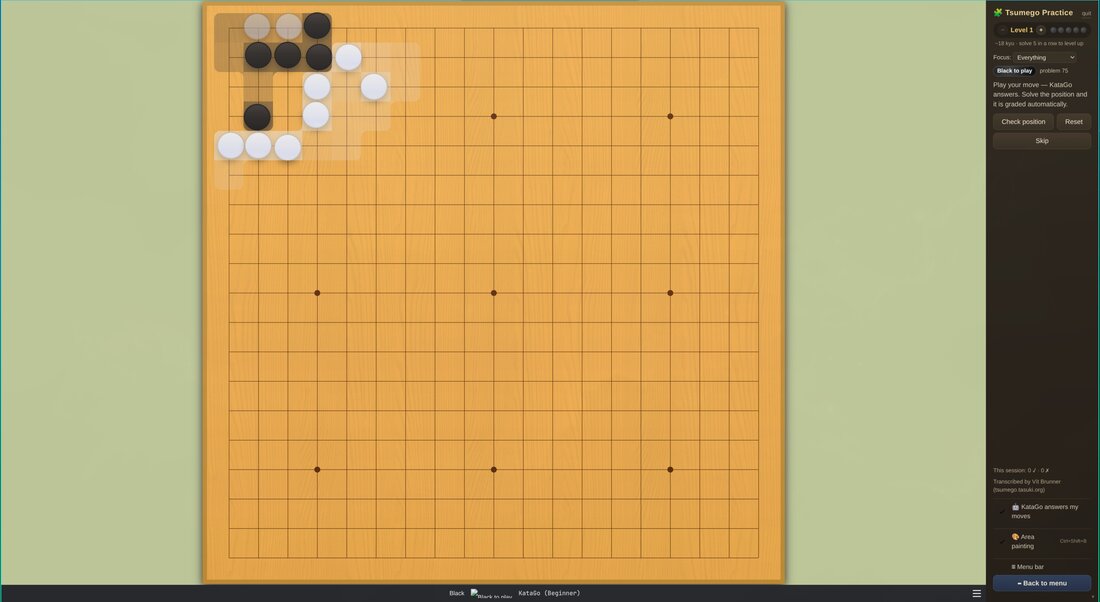
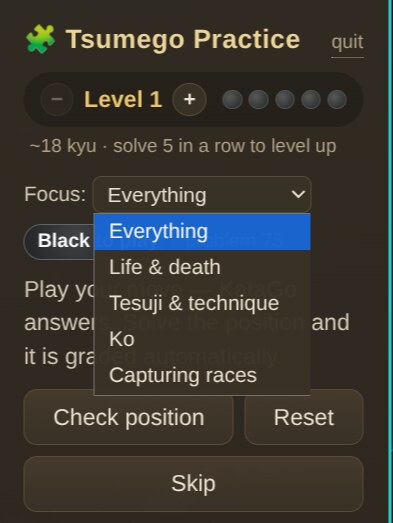
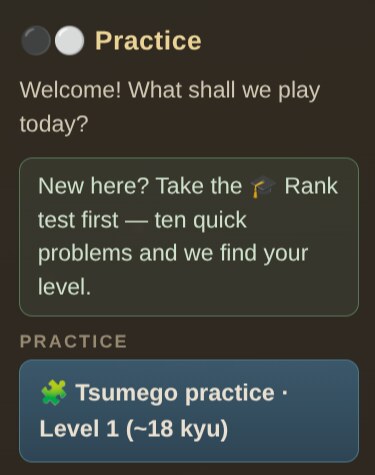
🧩 Practice tsumego (life & death puzzles) — 4,700+ problems from the classic collections (Cho Chikun's Encyclopedia, Gokyo Shumyo, Xuanxuan Qijing) plus 420 commented Go Game Guru problems, served at your level. Solve 5 in a row to level up, from level 1 (beginner) to 10 (expert). A focus picker narrows practice to life & death, tesuji, ko or capturing races.
-
🤖 The puzzles fight back — if KataGo is installed, it answers your moves inside the puzzle. When it gives up the area, frank_go judges the result and marks the puzzle solved automatically. The commented problems know their own answers, so those are graded exactly, with the pro's explanation.
-
📖 Tsumego — solved & commented — a separate study mode that walks all 420 commented problems in order (easy → hard), graded exactly against their solution trees, skipping what you've already solved and tracking your progress toward the full set.
-
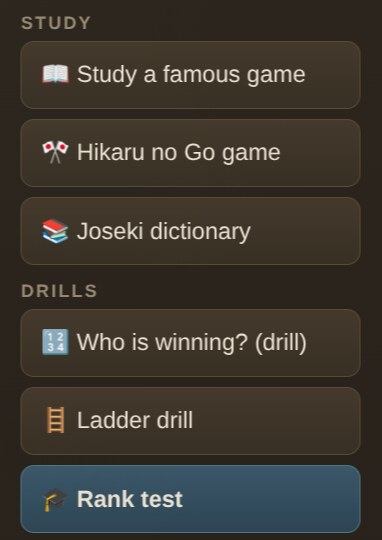
🎓 Find your rank — a ten-problem test estimates your level and drops you straight into practice there.
-
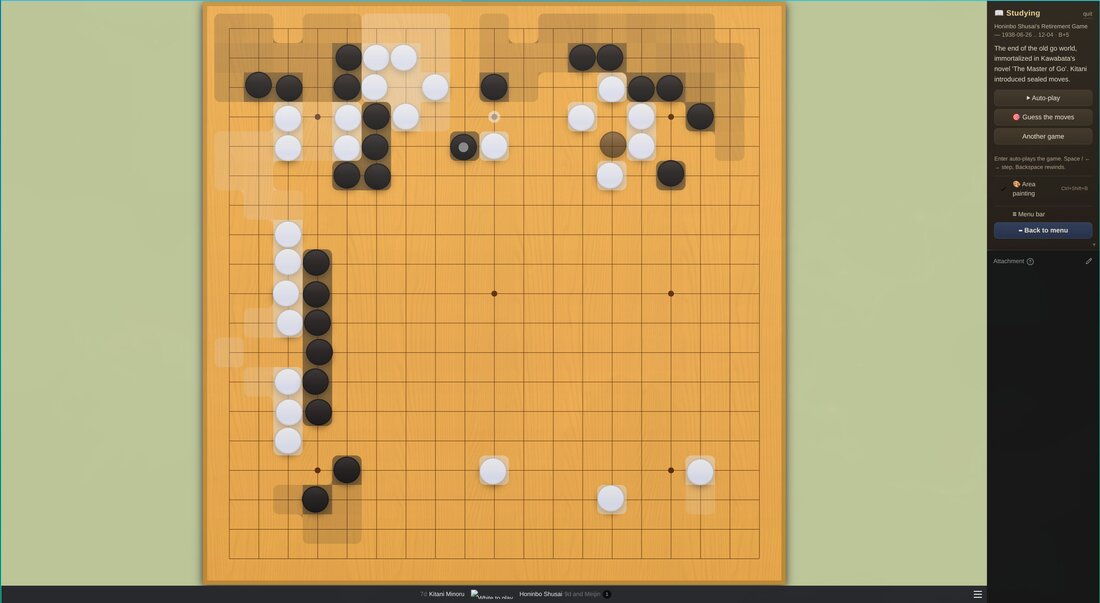
🎨 Area painting — a toggleable overlay that paints each player's influence as a soft gradient and settled territory in solid color, so you can see what the stones are doing.
-
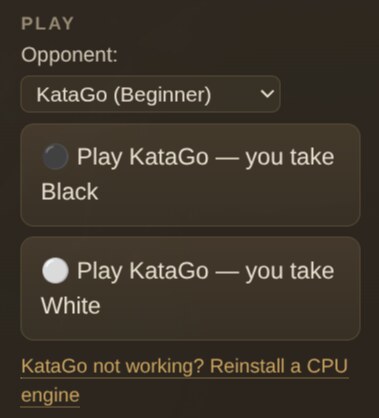
⚫ Play against KataGo — a one-command setup gives you a beginner-friendly opponent (and a full-strength one). A live score tells you who's ahead (komi included), warns when you're hopelessly behind or the game is settled, and move names ("Hane", "One-Point Jump") appear as you hover the board.
-
📖 Study famous games — from the Ear-Reddening Game (1846) to AlphaGo vs Lee Sedol, with the story behind each game (the AlphaGo games include move-by-move commentary). Auto-play through them, or switch on Guess the moves and try to find the pro's next play — with an optional KataGo explanation of why your guess fell short.
-
📚 Browse joseki — Kogo's Joseki Dictionary, the classic corner-opening reference, opens as a commented tree you can walk move by move.
-
🎯 Quick drills — Who is winning? (guess the leader of a real position), and a ladder trainer that generates endless, verified capture-or-escape problems.
-
🎌 Hikaru no Go mode — nearly every game in the manga is a real professional game, and 15 of them are bundled with their chapter references and trivia: read a chapter, then replay the actual kifu here (Sai's internet game against Toya Meijin was a real half-point thriller). Character portraits are pending — contributions welcome, see issue #6; meanwhile the app shows go-stone medallions, and you can drop in your own images per data/games/hikaru/portraits/FILENAMES.txt.
-
🛜 Fully offline — no account, no server, your progress stays on your machine.
Everything lives in the practice panel on the right side: pick an activity, play, and the controls follow along. New here? It points you at the rank test first. Menus are trimmed down to the essentials (View → Show Advanced Menus brings the full power-user menus back).
Install
Arch Linux (AUR)
yay -S frank-go
No other setup needed: on first use the app downloads a small CPU engine and
neural network with one click — it works on any machine, no GPU required. If
you'd rather use a system engine, install katago-cpu and the app will pick it
up. GPU builds (katago-opencl / katago-cuda) are faster but only help if you
have a working OpenCL/CUDA driver; without one they simply fall back to the CPU
engine.
Windows
Download the latest frank-go-vX.Y.Z-win-x64-setup.exe (installer) or
-portable.exe from the
Releases page. On first use
the app downloads a small CPU KataGo engine automatically — no GPU required.
The installer is not code-signed, so Windows SmartScreen may warn "Windows protected your PC." Click More info → Run anyway.
macOS
Install with Homebrew:
brew install --cask akitaonrails/tap/frank-go
…or download the frank-go-vX.Y.Z-mac-arm64.dmg (Apple Silicon) or -x64.dmg
(Intel) from the
Releases page. The macOS
build is signed with a Developer ID and notarized by Apple, so it opens normally
— no Gatekeeper warning.
KataGo has no official macOS binary, so for the play-vs-AI and guess-review features install it via Homebrew:
brew install katago
The app detects it automatically. Everything else (tsumego, study, drills, area painting) works without it.
From source (any platform)
git clone https://github.com/akitaonrails/frank_go.git
cd frank_go
npm install
npm run bundle
npm start
Optional but recommended — set up the local KataGo opponent (downloads the engine and a small CPU-friendly network, no GPU needed):
npm run frank:katago # add --human for a human-like ~5k opponent
More game records for studying (90,000+ professional games):
npm run frank:games
Keyboard shortcuts
| Shortcut | Action |
|---|---|
Ctrl/Cmd+Shift+K |
Start tsumego practice |
Ctrl/Cmd+Shift+B |
Toggle area painting |
Ctrl/Cmd+P |
Pass |
← / → |
Step through moves |
Built on Sabaki
frank_go is a fork of Sabaki, the excellent
open source Go board and SGF editor by Yichuan Shen — all of Sabaki's editing,
analysis and engine features are still here (enable Show Advanced Menus to
reach them). The original Sabaki README is preserved in
docs/SABAKI.md.
For developers & the curious
- Architecture — how the trainer is built on top of Sabaki, module by module.
- Staying rebaseable on upstream — the fork strategy and the upgrade procedure.
- Data sources & licensing — where every bundled problem and game record comes from.
- Go ecosystem research — the survey of clients, AI engines and SGF resources that shaped this project.
- AUR packaging — PKGBUILD template published by the release workflow.
Tests: npm test · Bundle: npm run bundle · Data rebuild:
npm run frank:data
License
MIT, same as Sabaki. Bundled problem collections and game records have their own provenance — see data/SOURCES.md.


