
roast-my-code


The AI that roasts your codebase so your teammates don't have to.
Install
PyPI release is pending. Install from source for now:
git clone https://github.com/Rohan5commit/roast-my-code
cd roast-my-code
pip install -e .
Free LLM Setup (Recommended)
Use Groq as primary (free tier), and NVIDIA NIM as backup.
export GROQ_API_KEY="your-groq-key"
export NVIDIA_NIM_API_KEY="your-nim-key"
If you want to roast a private GitHub repository by URL, also set:
export GITHUB_TOKEN="your-github-token"
Default model choices in this project:
- Primary:
llama-3.3-70b-versatile(Groq) - Backup:
microsoft/phi-4-mini-instruct(NIM)
Usage
roast ./my-project
roast https://github.com/user/repo
roast https://github.com/user/repo/tree/main --no-llm
roast ./my-project --no-llm --output report.html
Provider controls:
roast ./my-project --provider groq --model llama-3.3-70b-versatile
roast ./my-project --provider auto --backup-provider nim --backup-model microsoft/phi-4-mini-instruct
CI and machine-readable output:
roast ./my-project --no-llm --json-output roast-report.json
roast ./my-project --no-llm --fail-under 70
roast ./my-project --no-llm --include-config --max-files 80
What changed in 0.2.0:
- GitHub URL scans now download repo archives instead of cloning full git history.
- Private GitHub repo URLs work when
GITHUB_TOKENis configured. - HTML reports now include hotspot summaries and interactive issue filters.
- JSON report export and
--fail-undermake the CLI usable in CI.
Demo
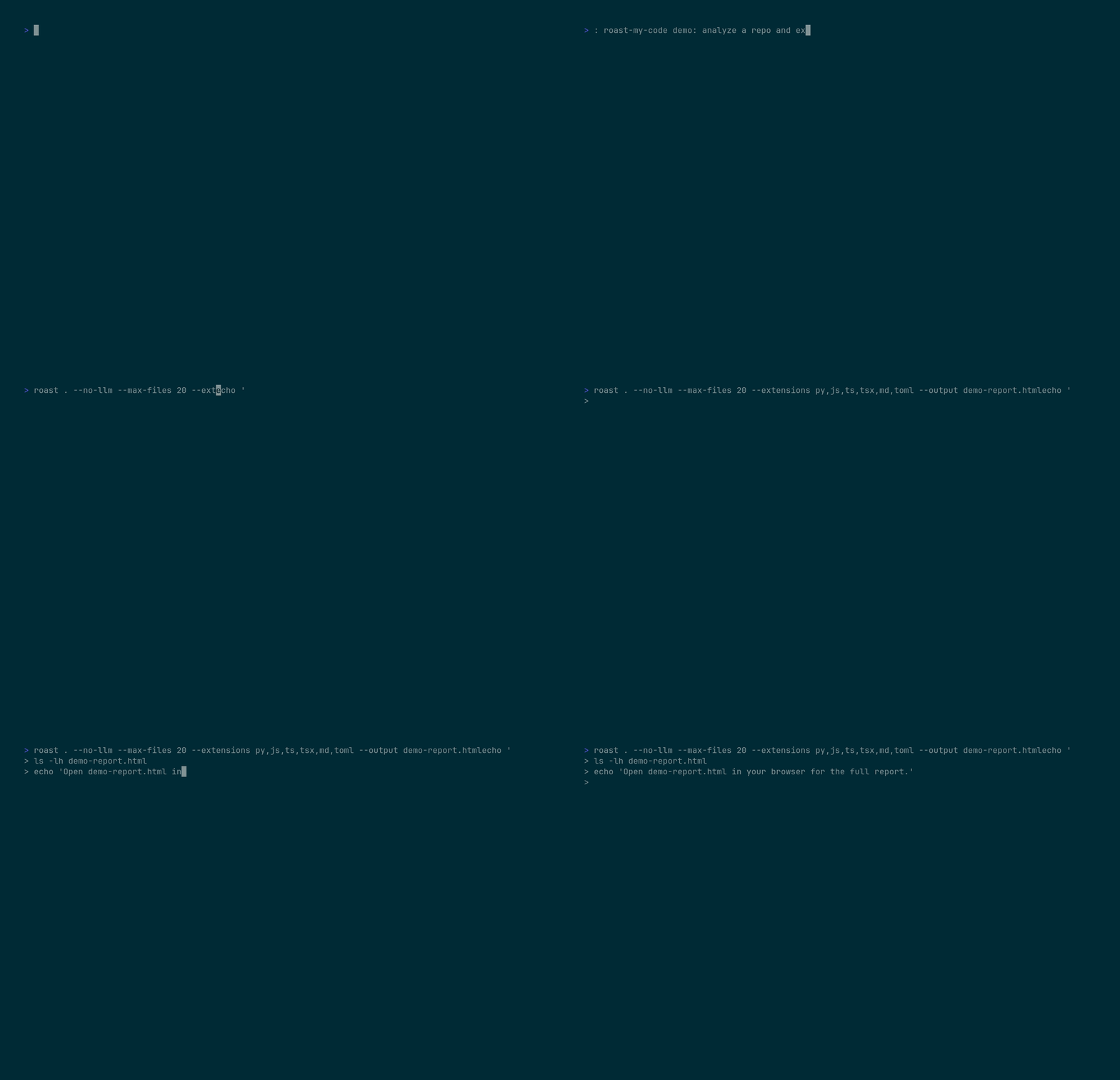
Recorded with VHS.
Web Dashboard
A Next.js web dashboard is included in the web/ directory. It provides a browser-based UI for roasting repos via GitHub URL.
Live: https://roast-web-six.vercel.app
Running locally
cd web
npm install
npm run dev
Environment variables
Copy .env.example to .env.local:
cp .env.example .env.local
Required for LLM roasts:
NVIDIA_NIM_API_KEY— NVIDIA NIM API key (optional, fallback roasts work without it)GITHUB_TOKEN— GitHub token for higher API rate limits (optional)
Deploy to Vercel
The web/ directory is configured for Vercel deployment. Connect your repo to Vercel and set the root directory to web/.
Famous Repo Roasts (2026-02-28)
Contributing
Contributions are welcome. Open an issue for bugs or ideas, then submit a PR with tests for behavior changes. The main verification workflow now runs on pushes and pull requests that touch the CLI, reporter, scanner, or tests.


