
nanovision
The code coverage visualization tool that understands your code
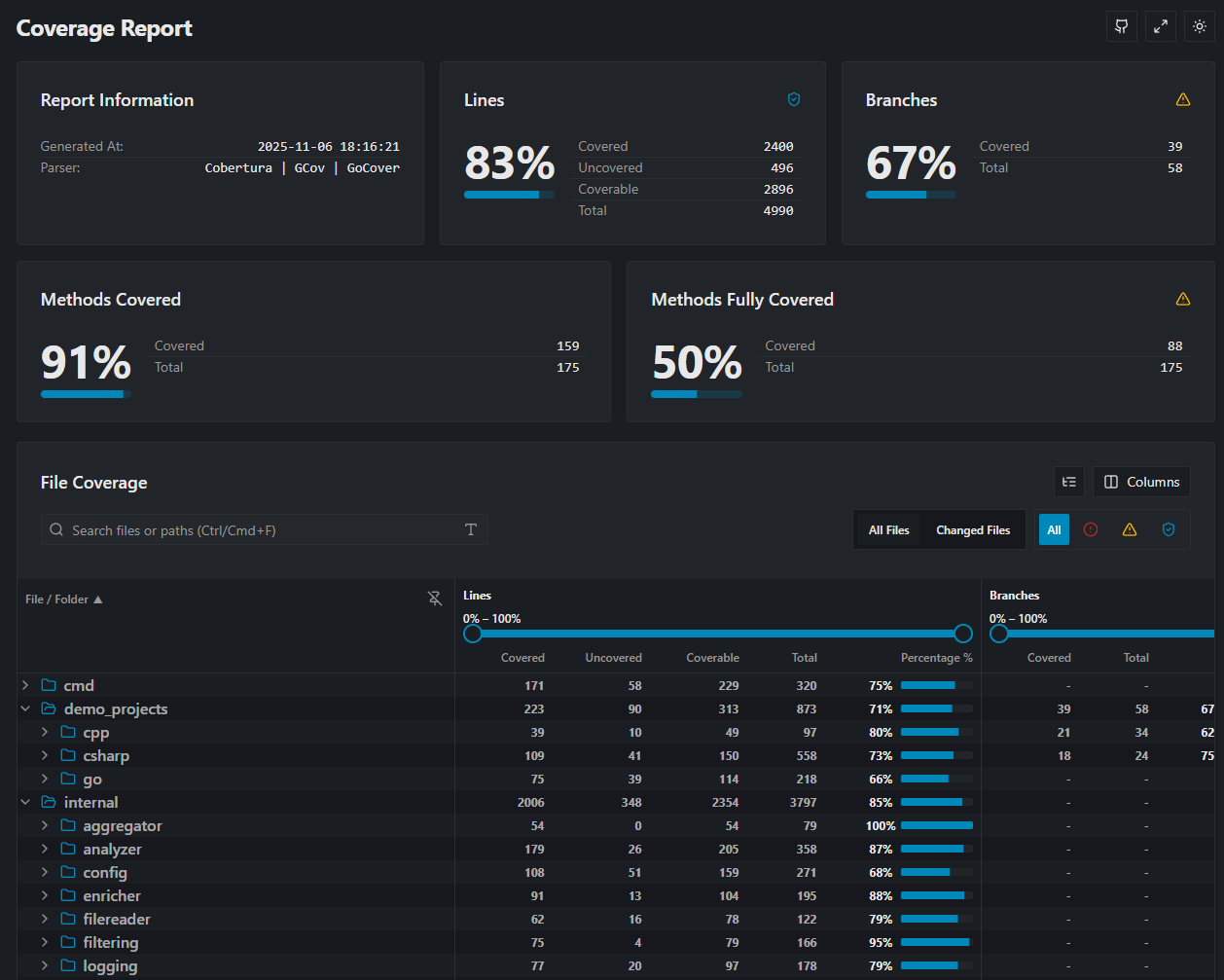
Here is an example report, its a self coverage report of the nanovision project.
For more details check the docs



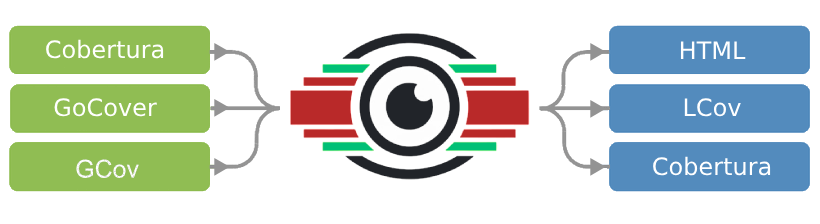
nanovision converts coverage reports (Cobertura, GoCover, GCov) into human-readable visualizations.
View Example Report | Read the Docs
Why nanovision?
While many CI tools give you a simple percentage, nanovision helps you understand what is covered and why it matters.
- High Performance: Written in Go. Fast parsing, low memory footprint.
- Report Merging: Combine Unit, Integration reports into a single unified view.
- Patch Coverage: Analyze coverage specifically on new code (using diffs) to stop technical debt before it merges.
- Deep Analysis: Calculates cyclomatic complexity and method/functions level metrics.
- Modern UI: Generates a static, html pages that are easy to host anywhere.
Supported Formats
| Input Formats | Output Formats |
|---|---|
| Cobertura | HTML |
| Go Cover | Text Summary |
| GCov | LCOV |
| Raw JSON |
Installation
Windows
winget install nanovision
Linux
curl -sL https://raw.githubusercontent.com/IgorBayerl/nanovision/main/scripts/install.sh | bash
Or downdload From Releases
Download the binaries for Windows or Linux from the Releases Page.
Quick Start
0. Check nanovision instalation
nanovision -version
nanovision -help
1. Generate a basic HTML report
nanovision -report="coverage.out" -sourcedirs="."
2. Merge multiple reports
Combine coverage from different languages or test suites:
nanovision -report="cobertura.xml;gocover.out" -sourcedirs="src/csharp;src/go"
3. Patch Coverage (Diff Analysis)
Focus only on the lines changed in your branch (great for PR checks):
# 1. Generate a diff file
git diff main > changes.diff

# 2. Run nanovision with the diff flag
nanovision -report="coverage.out" -sourcedirs="." -diff="changes.diff"
Configuration
You can run nanovision entirely via CLI flags, or use a nanovision.yaml file for complex setups (like file filtering, risk thresholds, and excluded paths).
See the Configuration Documentation for details.
Contributing
Contributions are welcome! Please see CONTRIBUTING.md for details on setting up the dev environment (Devcontainer included).
License
Licensed under the Apache 2.0 License.
Credits
- Inspired by the excellent ReportGenerator by Daniel Palme.


